 USA + International
 OWC Canda
 OWC Europe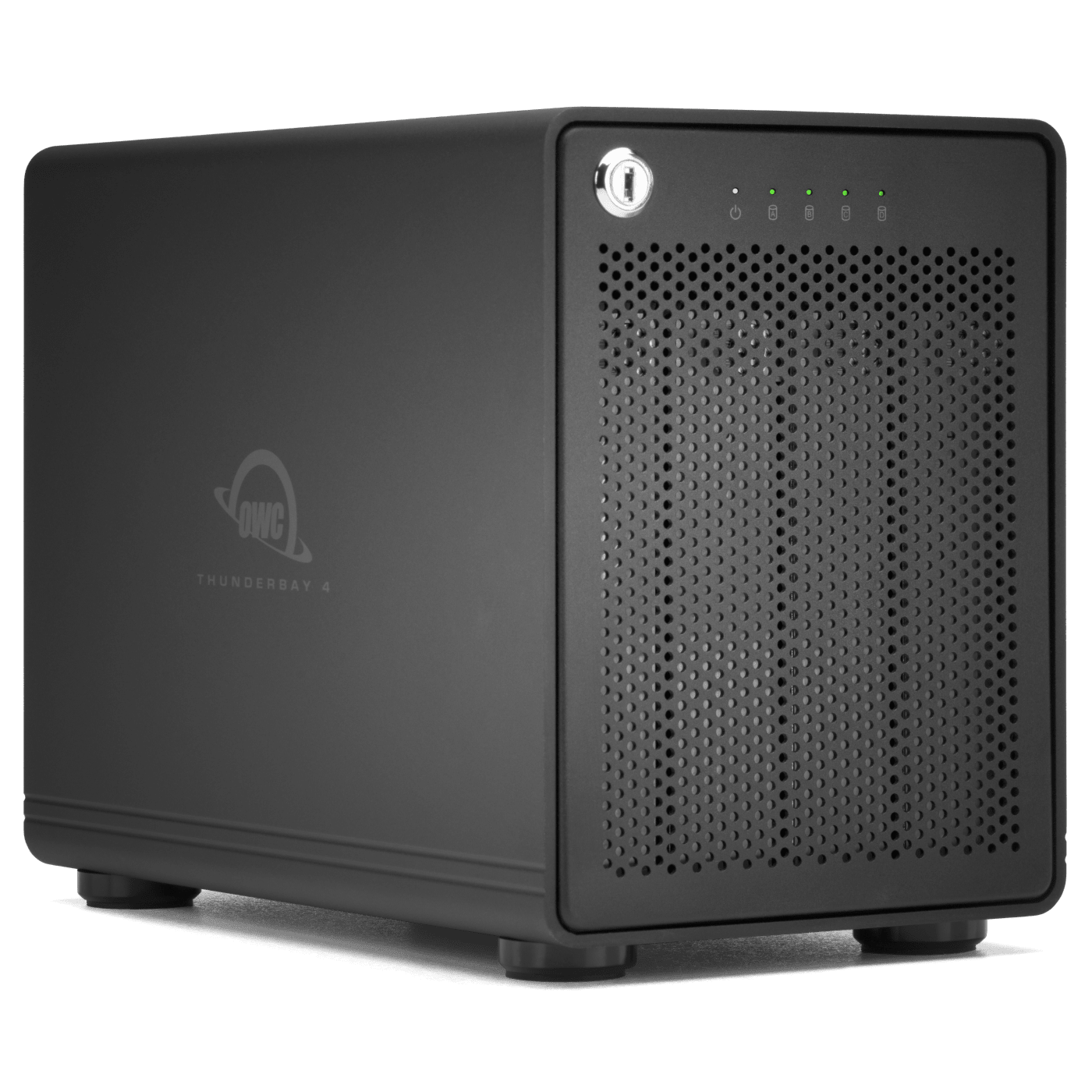

 Find A Reseller

"When it comes to making sure years of content is easily accessible in a speedy manner, the ThunderBay provides that and much more."

“I use Thunderbay for storing all the data I took over the years. I take huge risk in taking the best possible images. I do not want to loose them at any price."
Perfect in All, for All
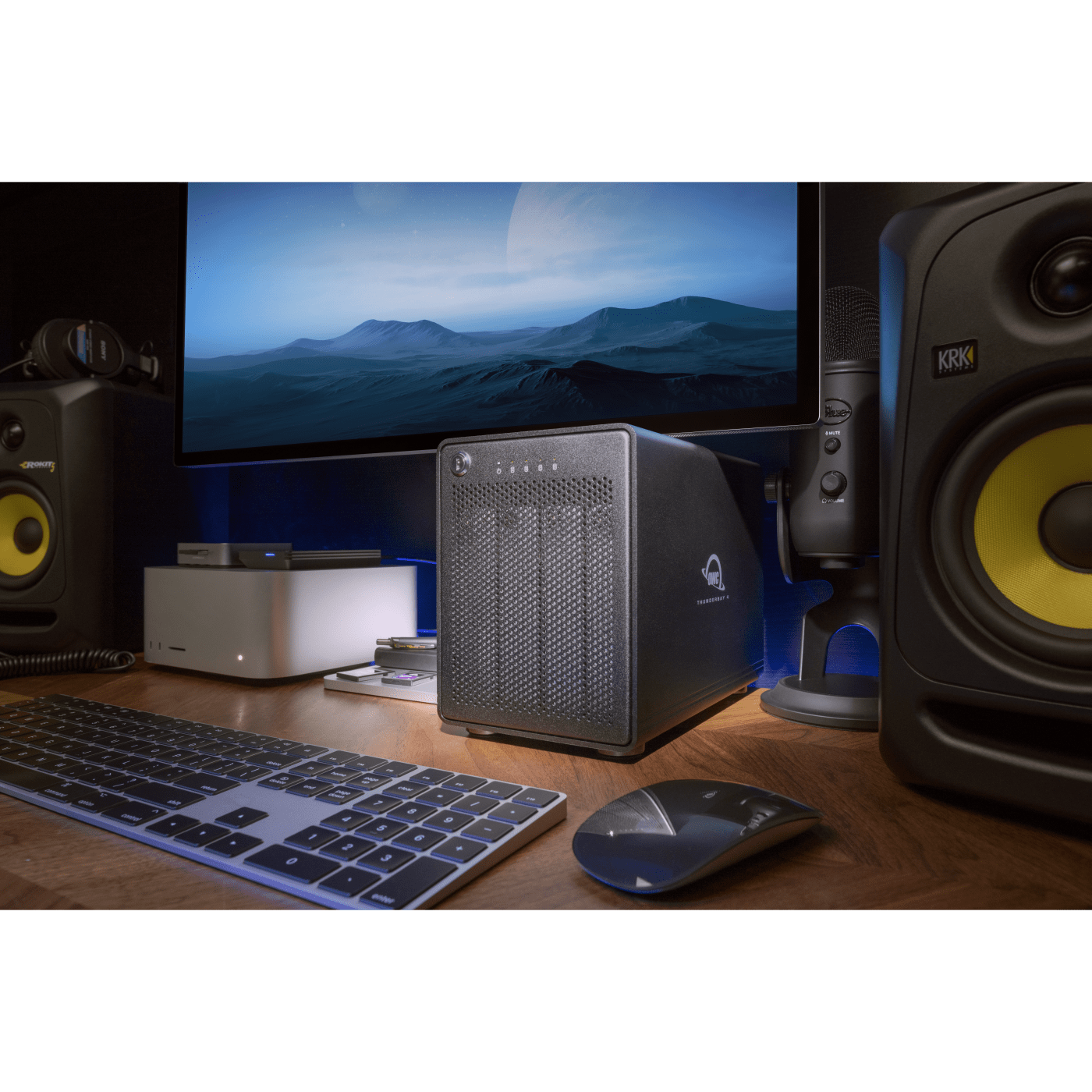
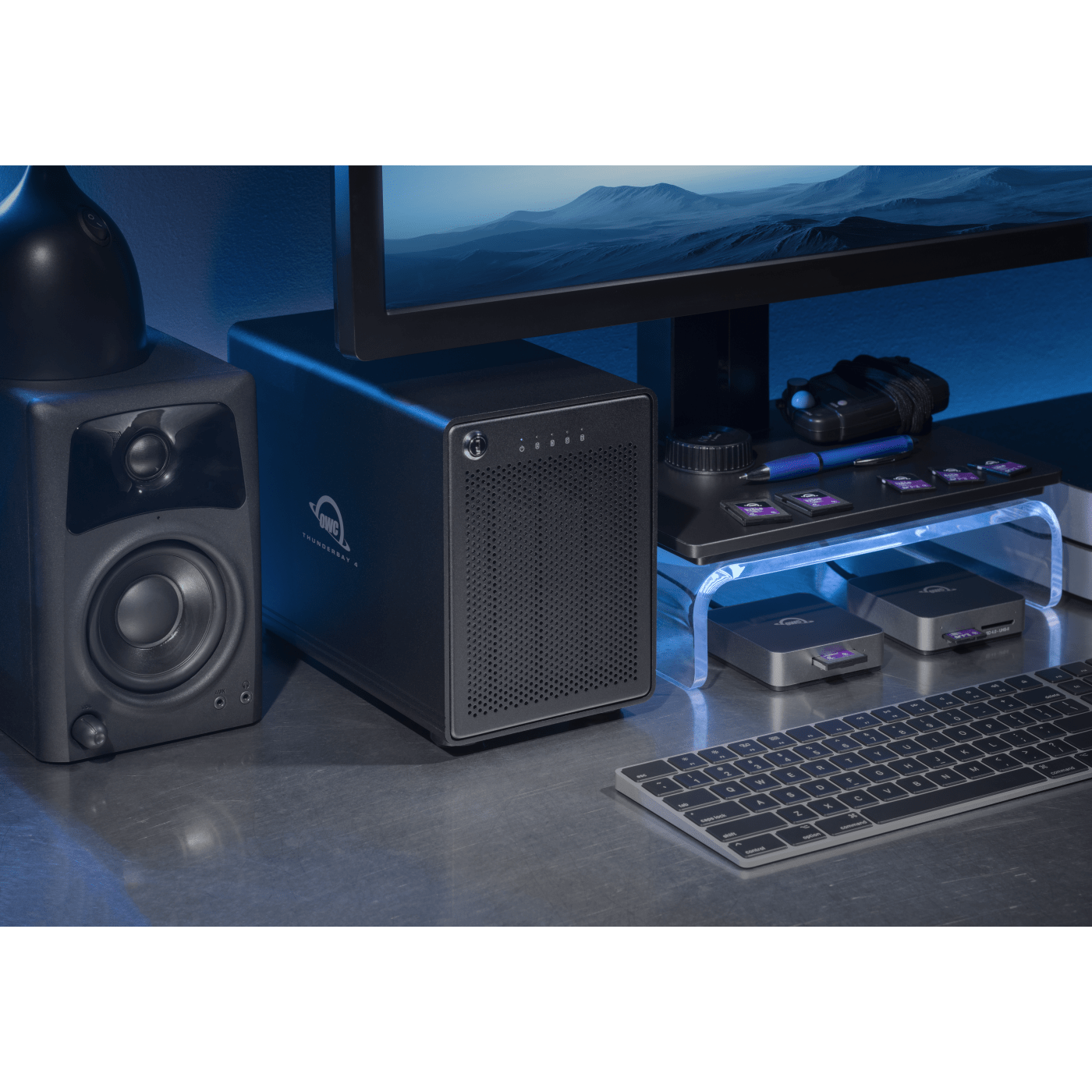
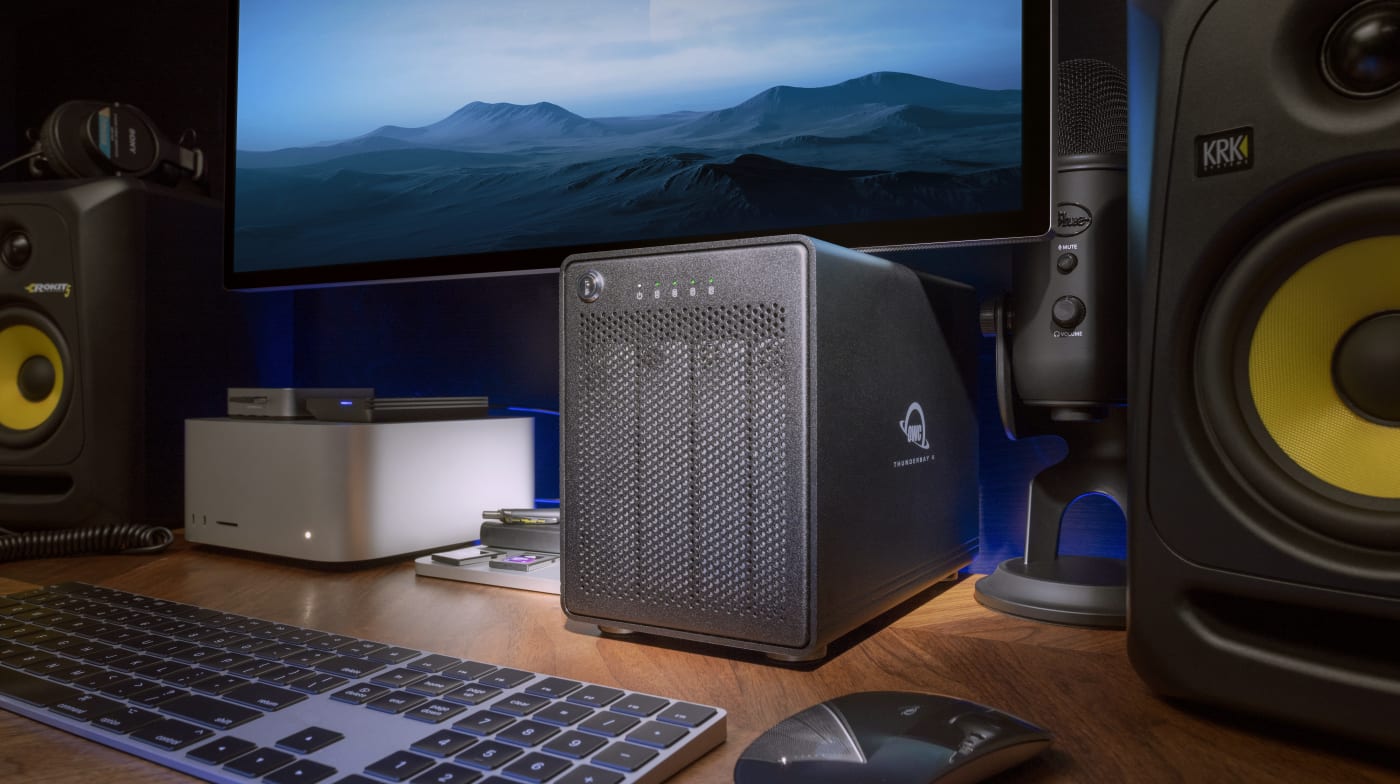
Speed, capacity, and configuration flexibility in a compact desktop footprint. ThunderBay 4 is perfection for a myriad of content creators and the reason it's been one of the best-selling RAID storage solutions for the past decade.
Whether you're editing multi-cam 4K+ projects from cameras like the Sony FX3 and Panasonic S1H II, editing commercial work in ProRes or more demanding 6K RAW video with the Nikon ZR or Blackmagic Pyxis, batch editing large sets of RAW images in Lightroom from wedding or commercial shoots, or recording and mastering uncompressed multi-track audio sessions, ThunderBay 4 handles it all. Choose a preconfigured solution to start working immediately, or add your own HDDs or SSDs to a DIY kit. Configure ThunderBay 4 with SoftRAID or your own RAID software to achieve your optimum level of performance and data redundancy. Add additional ThunderBay 4 or other Thunderbolt storage devices to the second Thunderbolt port and scale your capacity as your projects grow. In every imaginable way, ThunderBay 4 is perfect in all, for all.
How Much Content You Can Store
| RAID 0 (92TB) | RAID 5 (72TB) |
|---|---|
|
2,133 hours |
1,600 hours |
|
242 hours |
181 hours |
|
150 hours |
113 hours |
|
69,565 hours |
52,173 hours |
|
1.9 million images |
1.4 million images |

Work Faster
Up to 1527MB/s of real-world performance means you edit, produce, and create without storage bottlenecks slowing you down.

Protect Your Work
Safeguard your files against drive failure with built-in RAID support. Bundled with OWC SoftRAID, it offers advanced health monitoring and supports RAID 0, 1, 4, 5, and 10.

Centralize Your Creative Life
Access, edit, back up, and archive up to 96TB of footage, audio, images, and files. No more wasted time searching across spare drives.

Cross-Platform & Plug and Play
Seamless Mac and Windows compatibility with SoftRAID 8. Plug and play on macOS 14 or newer, no drivers needed.
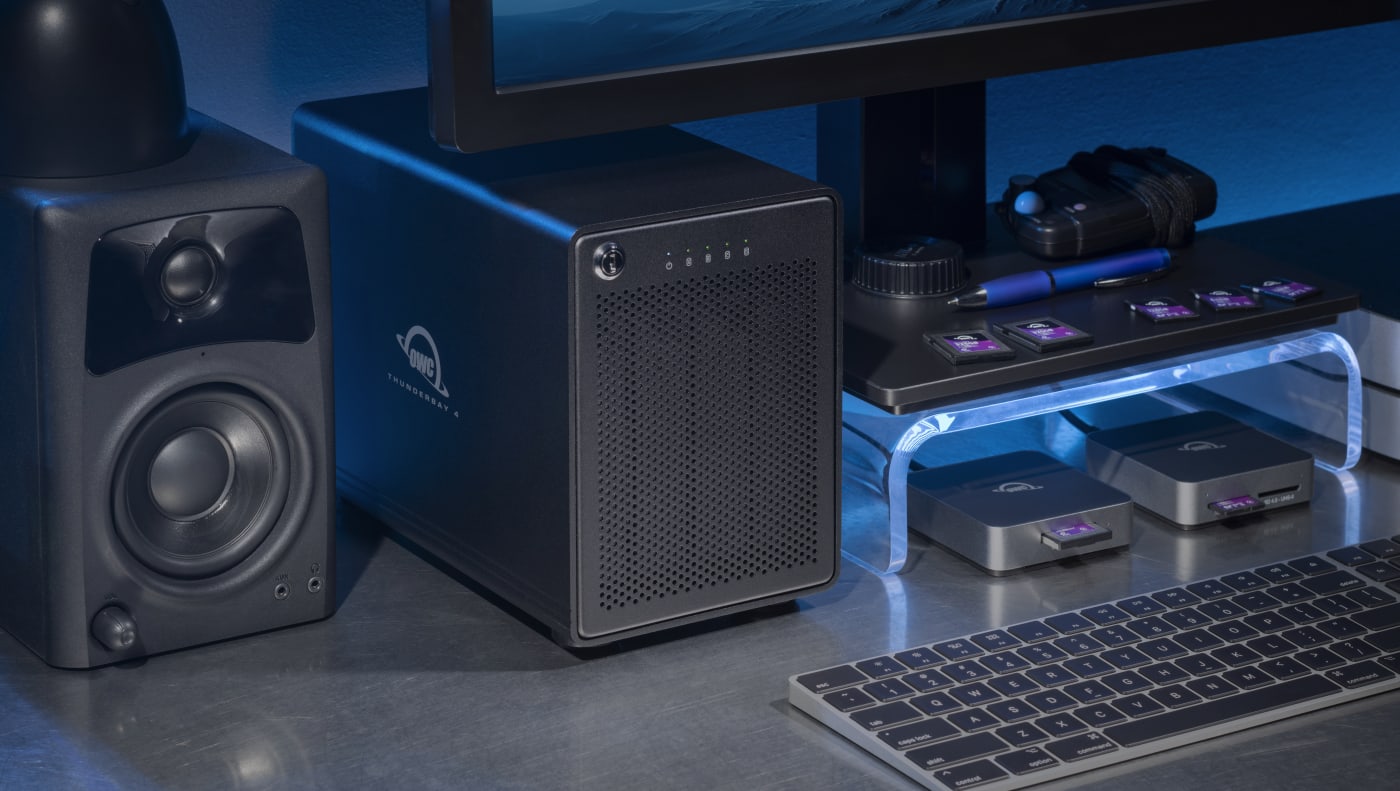
The Difference-Maker for Creators Just Like You
Whether you want to blaze through viewing a huge Lightroom catalog, import and edit massive files faster, level up your editing capabilities, or want to unleash greater audio production capabilities, ThunderBay 4 is the difference maker for:
- Individual content creators and filmmakers
- Audio editors, musicians, producers, music studios
- Wedding, sports and high-volume photographers
- Small production companies and photography studios
- DIT setups with large data needs
- Anyone seeking consolidation of multiple external drives
Gone is the time-consuming frustration of dealing with your content spread across multiple different external drives. Just connect ThunderBay 4’s Thunderbolt cable to your notebook to access your files faster while simultaneously charging your notebook. And with SoftRAID equipped models, you’ll work more confidently knowing the health status of your drives.
“Using the ThunderBay 4 has been fantastic. I now have plenty of breathing room when it comes to storage, and the speed increase has had a noticeable effect on both my photo editing in Lightroom and editing in Final Cut Pro.”
"I’ve used it for ingesting footage and editing directly on the drives and it has worked flawlessly, absolutely brilliantly.”
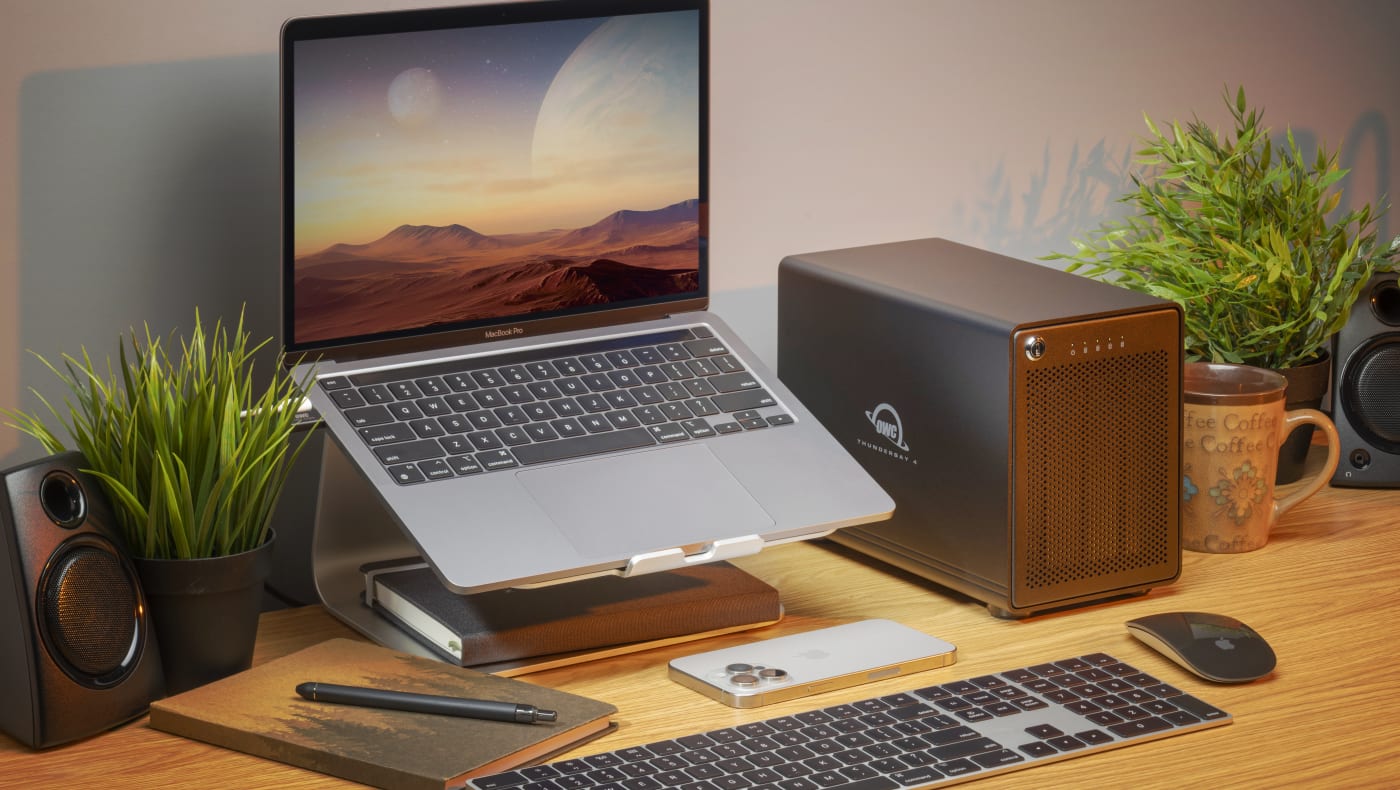
Mac and Windows Ready Across the Board
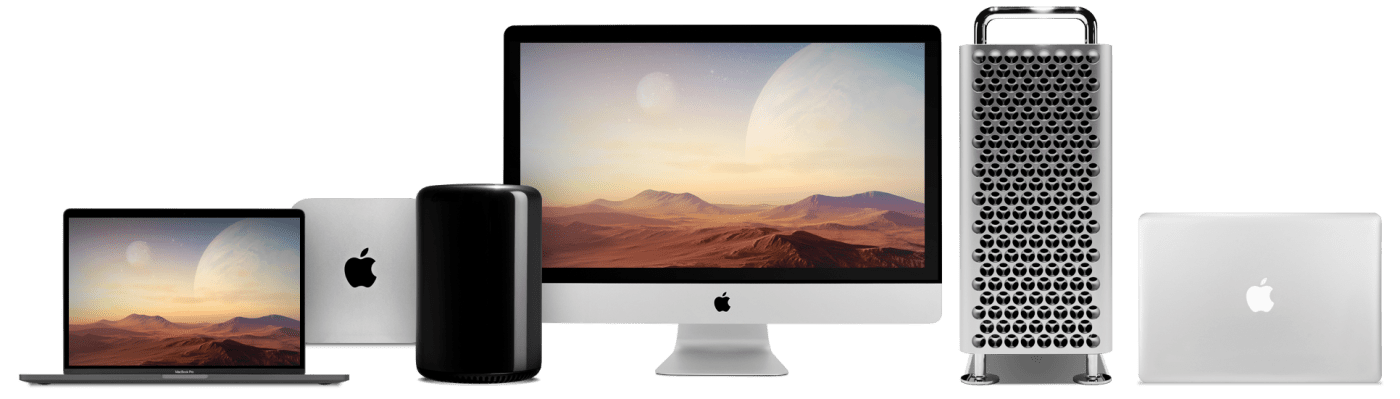
ThunderBay 4 checks all the functional boxes to make you a more efficient content creator: fast data access, enormous storage capacity, centralized (and hassle-free!) file location, and it works with Macs (Intel-based plus the latest Apple Silicon M1/M2/M3/M4 machines) and Windows PCs. What makes ThunderBay 4 the best 4 bay storage solution available is its time-proven reputation of providing peace of mind your data will be safely protected today and tomorrow. Gone is the fear of a costly slow down or — gulp — losing irreplaceable data because you didn’t select the right RAID solution
Work Faster
Up to 1527 MB/s of real-world performance for editing multi-cam 4K and 6K RAW video, producing multi-track audio sessions, managing large photo libraries, and handling bandwidth-intensive workflows without waiting on your storage.
Centralize Your Creative Life
Access, edit, back up, and archive up to 96TB of footage, audio files, image libraries, and critical files on high capacity HDD or high performance SSD storage. No more wasted time searching across spare drives.
Protect Your Work
Sleep easy with built-in RAID support that safeguards against drive failure and meets production requirements. Bundled OWC SoftRAID offers advanced health monitoring and supports RAID 0, 1, 4, and 10, plus industry-standard RAID 5 for added flexibility and data redundancy. Also compatible with Apple RAID and Windows Disk Manager.
Seamlessly Work Across Mac and Windows
Seamlessly move between Mac and Windows systems with SoftRAID 8. Once set up, plug and play on any Mac (macOS 14+) without installing drivers, or connect to Windows workstations6 with full cross-platform support.
Daisy-Chain Possibilities
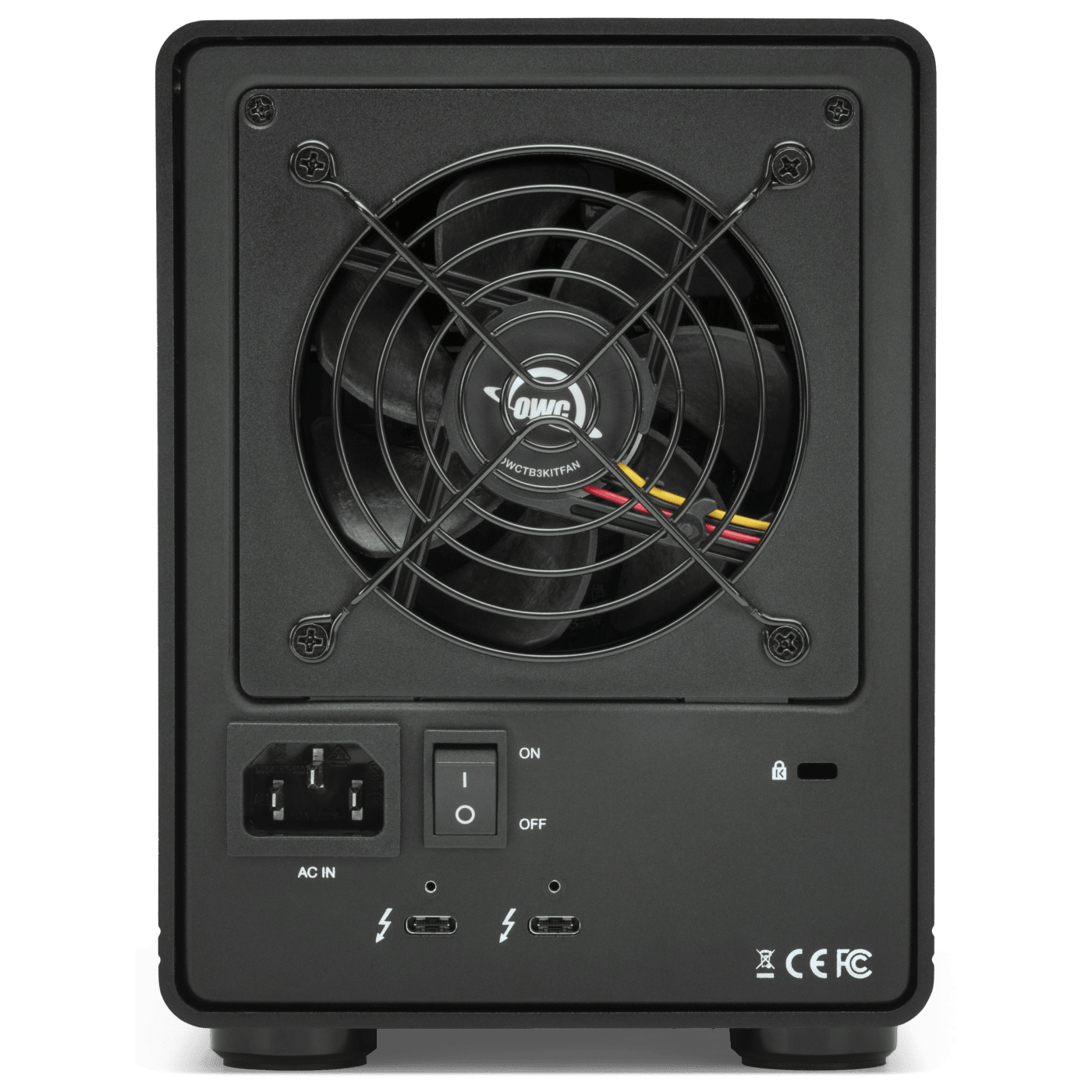
ThunderBay 4 goes beyond offering the perfect balance of performance and capacity. With an extra Thunderbolt port, you have an unlimited world of workflow options. Attach a 5K Thunderbolt display or two 4K displays. Place a USB-C device at the end of a daisy chain. Daisy-chain up to five additional ThunderBay 4 or other Thunderbolt storage devices. With an extra Thunderbolt port, you have the flexibility to add to your daisy-chain and master any task at hand.
Built to Last and Worry-Free
Premium construction ensures reliable operation and heat dissipation. Backed by a 5-year OWC Limited Warranty for built-in storage models or a 1-year OWC Limited Warranty for the enclosure only, along with our award-winning customer support.

Access Your Drives Anywhere with Strada.
No Cloud Required.
Receive 2 or 5 Strada licenses for 90 days (up to $450 value) with your purchase.
Strada turns your storage solution into a serious archival library at a fraction of what you would pay for equivalent cloud storage. With Strada (strada.tech), your remote team members can access, share, review, and edit files as if this drive was sitting right next to them. No costly cloud subscription. No time-consuming uploads. No shipping drives back and forth. Just because your hardware must stay in your studio doesn’t mean your files have to. Every qualifying OWC drive ships with Strada licenses included for 3 months, so your team can be working together the day it arrives – Get 2 Strada licenses with drives under 32TB or 5 Strada licenses with capacities 32TB or higher.
We Never Rest.
Our Good is Better.
Our Better is Best.
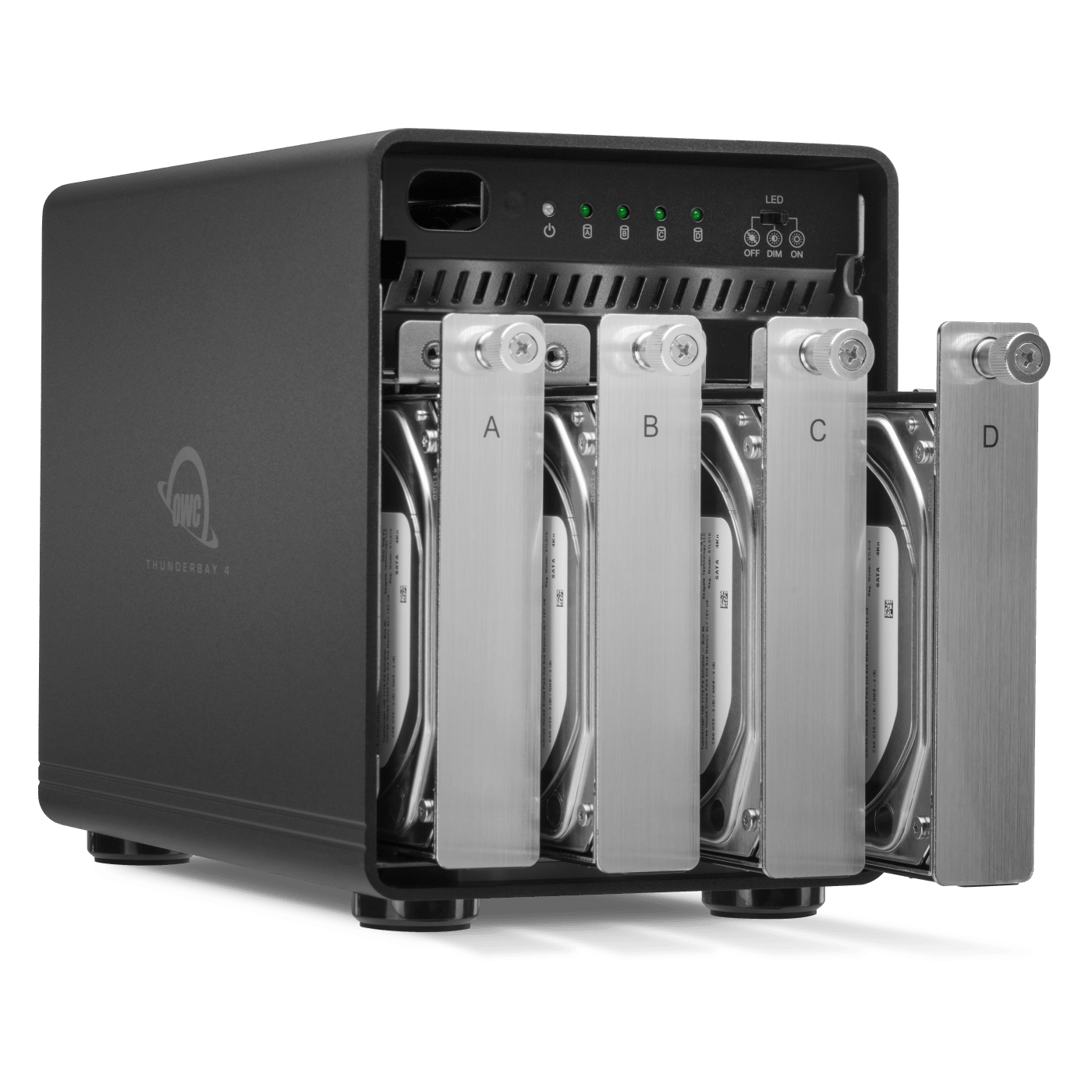
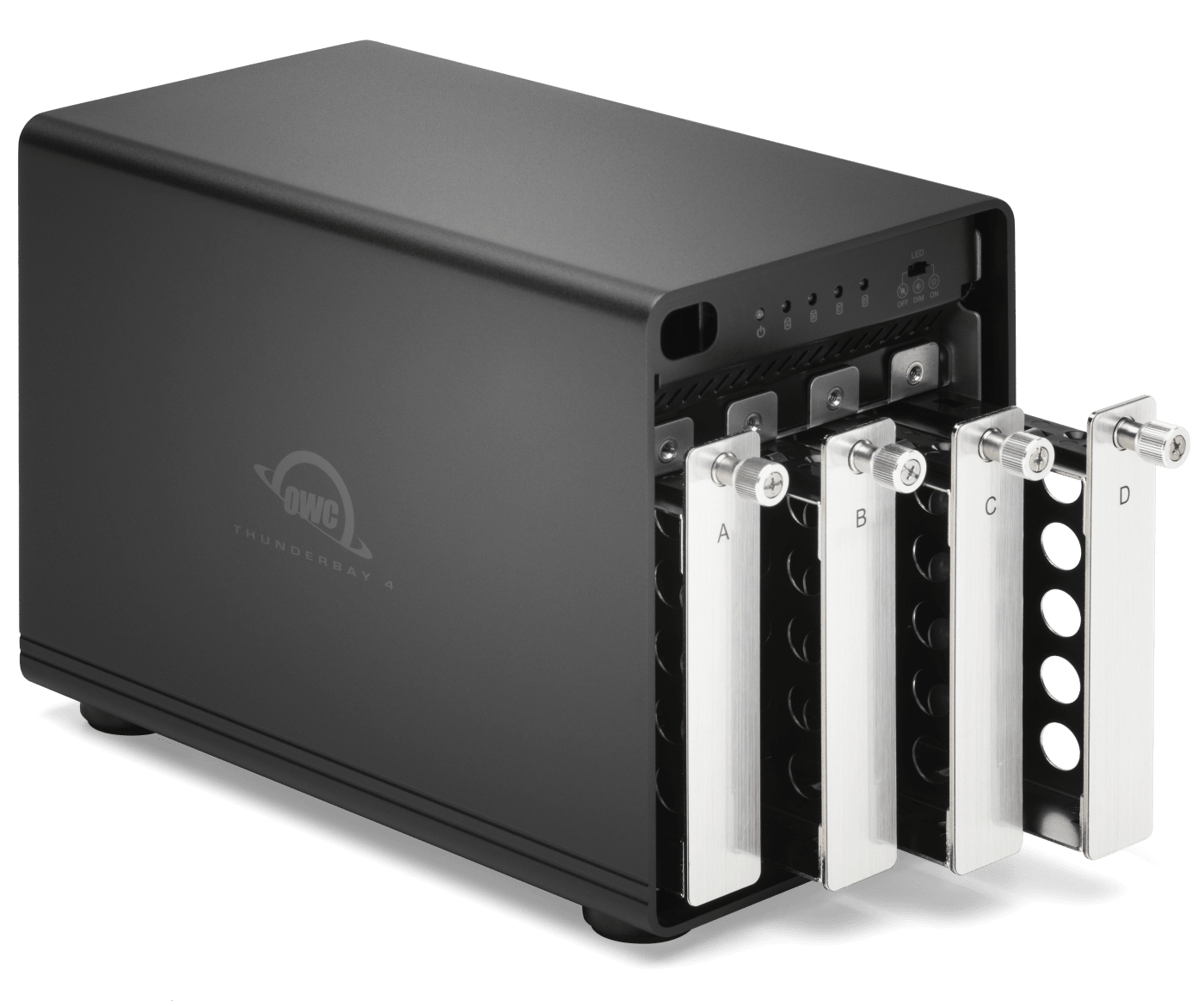
What’s most important to you in a storage solution is likely entirely different than another content creator. That why we don’t rest on our laurels and continue to make sure ThunderBay 4 doesn’t make you compromise. Merge four drives in a RAID 0 for huge performance and capacity gains over using a single external drive. Combine the capacity of three drives and use the fourth for RAID 5 data protection that keeps you working even if one of the drives fails. Or choose a DIY kit and add your own SATA SSDs for ultimate speed. With ThunderBay 4, you’re in charge of what’s good, better, or best for your needs:
| RAID 5 HDD | RAID 0 HDD | RAID 0 SSD |
|---|---|---|
|
Best Safety / |
Best Capacity / |
Best Speed / |
|
60TB |
80TB |
16TB |
|
Up to 770MB/s2 |
Over 1000MB/s3 |
Up to 1527MB/s4 |
The Most Powerful RAID Tool on the Planet.
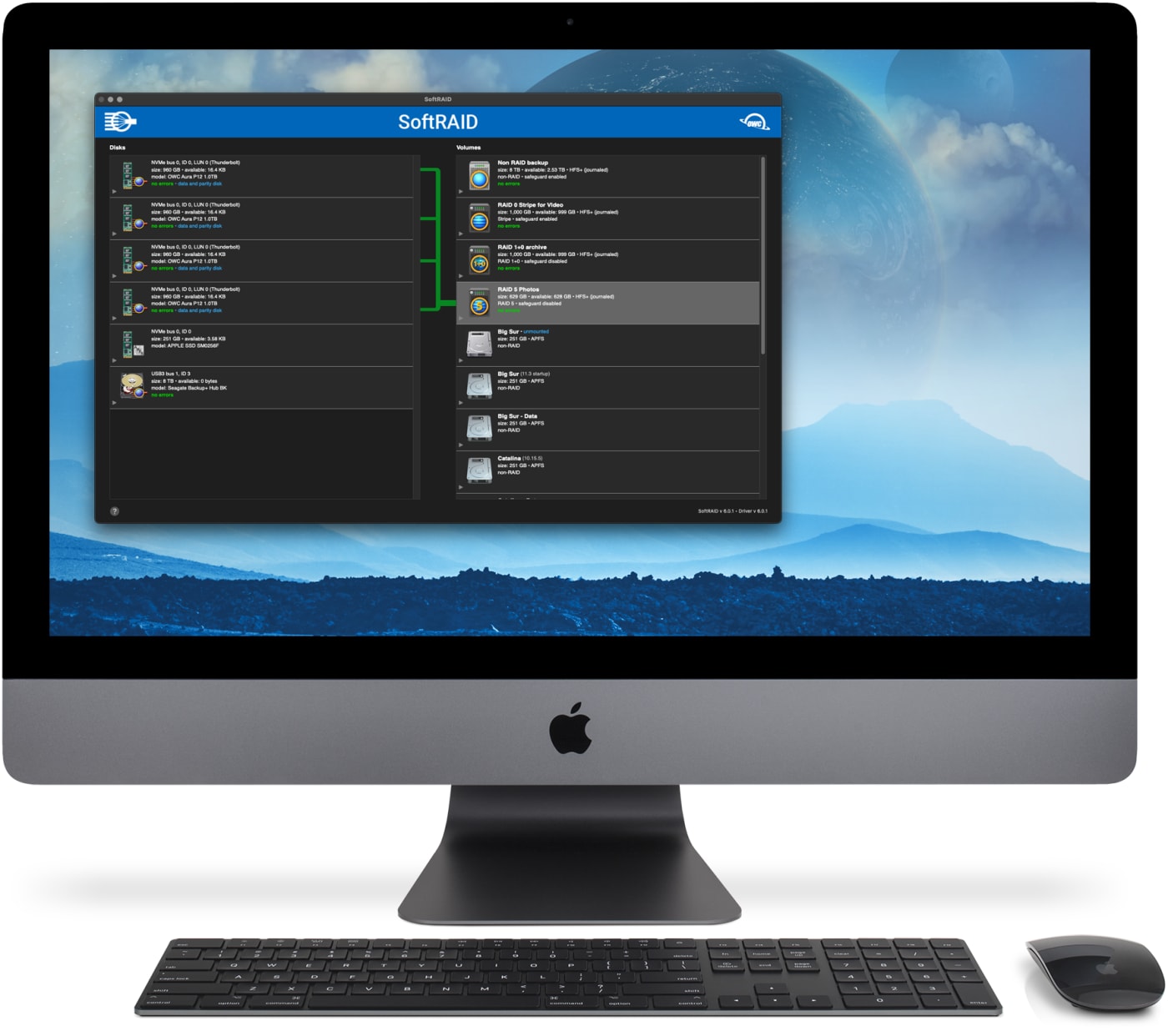
SoftRAID is the world’s fastest and most flexible application to configure, maintain, and protect your RAID volumes on Mac and PC.
- High-Performance RAID 0/1/4/5/1+0 (10) volumes
- Predictive Health Monitoring proactively notifies of Volume and Disk issues well before failure — provided on your computer and remotely
- Seamless Cross-Platform Sharing with support for Apple-formatted APFS and HFS+ SoftRAID volumes between Mac and Windows at no additional cost
- 35+ Years of Experience of Pro Support to provide peace-of-mind with setup help, ongoing questions, or urgent disk issues
- And many more unique features.
- Learn more about SoftRAID
Select OWC solutions and enclosures include 3 Years of SoftRAID Premium! See includes section for details.
The Cool Quiet Type
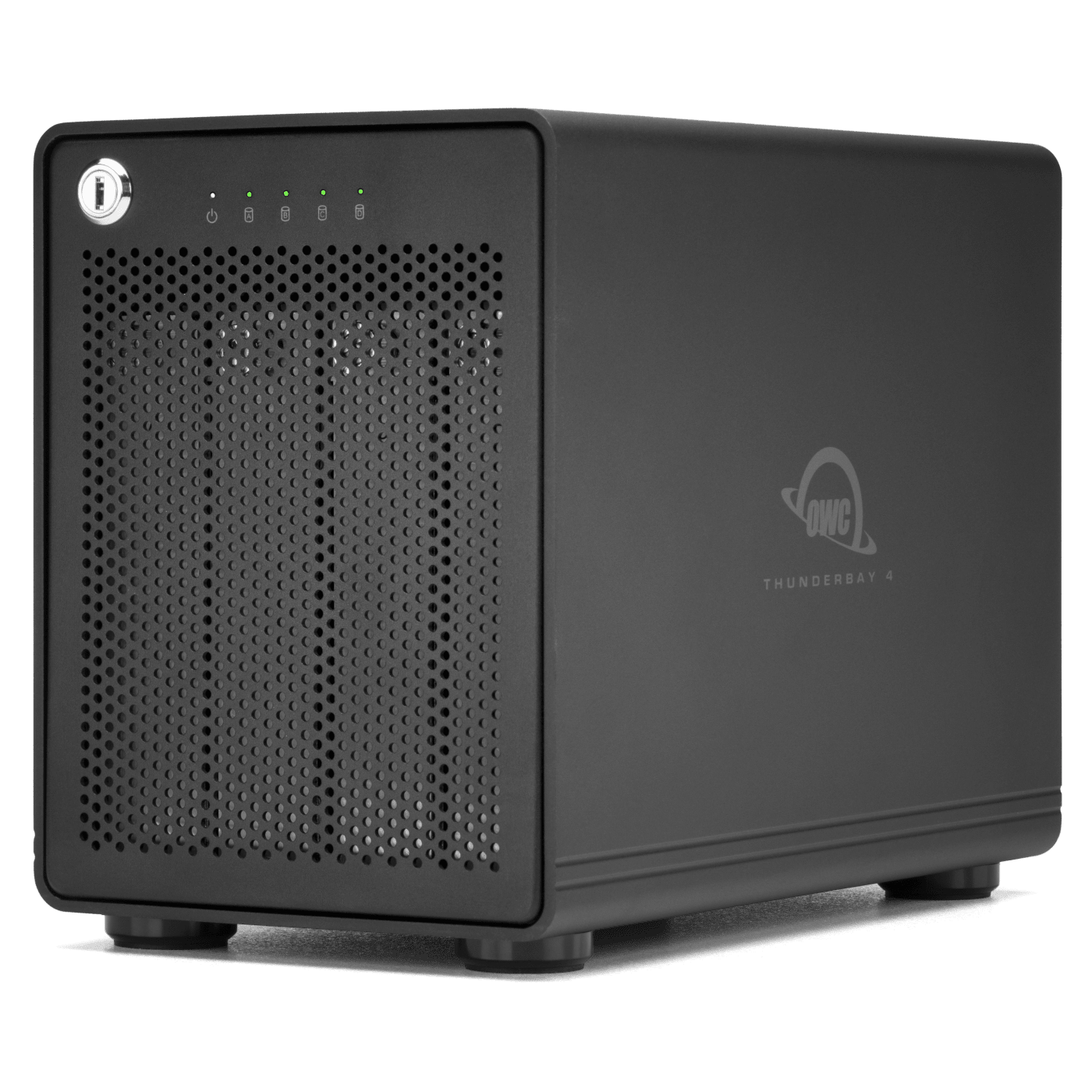
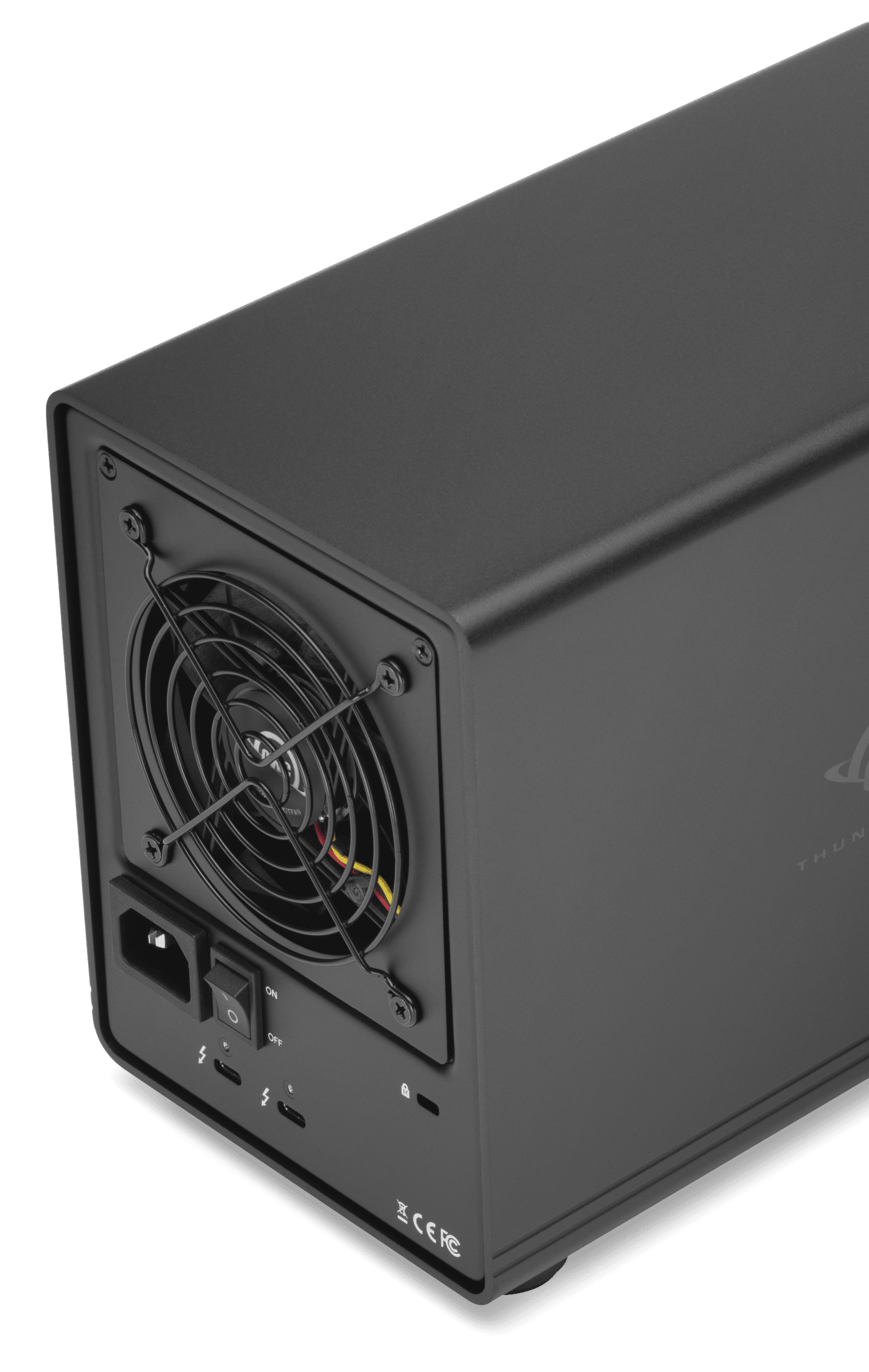
External drives for content production need to offer more than just speed and capacity for massive files. They also need to offer quiet and secure reliability. You’ll work confidently and free of distraction with ThunderBay 4’s unique design. Its heat dissipating aluminum housing utilizes “flow-thru” venting, a low-turbulence fan, and a drive-isolating design coupled with vibration-absorbing feet that reduces sonic resonance. And you’ll always keep your data safe and secure with the locking faceplate and backside security slot.
Daisy-Chain Possibilities
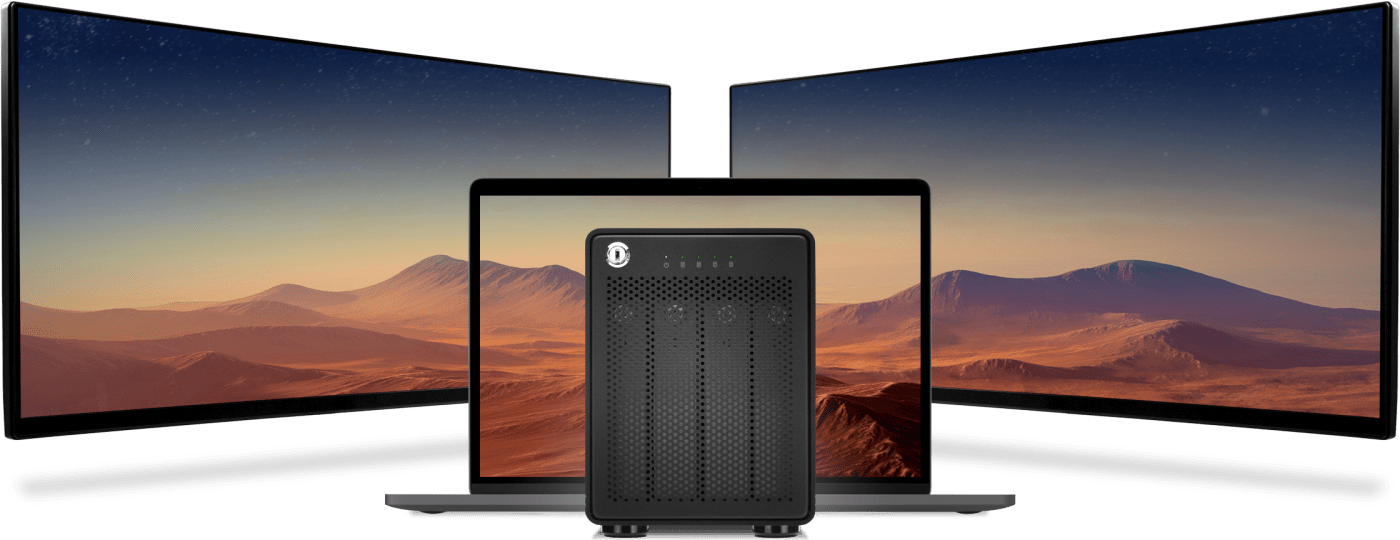
ThunderBay 4 goes beyond offering the perfect balance of performance and capacity. With an extra Thunderbolt port, you have an unlimited world of workflow options. Attach a 5K Thunderbolt display or two 4K displays. Place a USB-C device at the end of a daisy chain. With an extra Thunderbolt port, you have the flexibility to add to your daisy-chain and master any task at hand.
Pre-Tested = Ready to Work
We understand having confidence in gear reliability is paramount to creative professionals. That’s why every ThunderBay 4 undergoes OWC's multi-hour "burn-in" performance certification prior to shipping. This ensures your ThunderBay 4 arrives operating properly and immediately ready for demanding use.

OWC Thunderbolt Cable Included
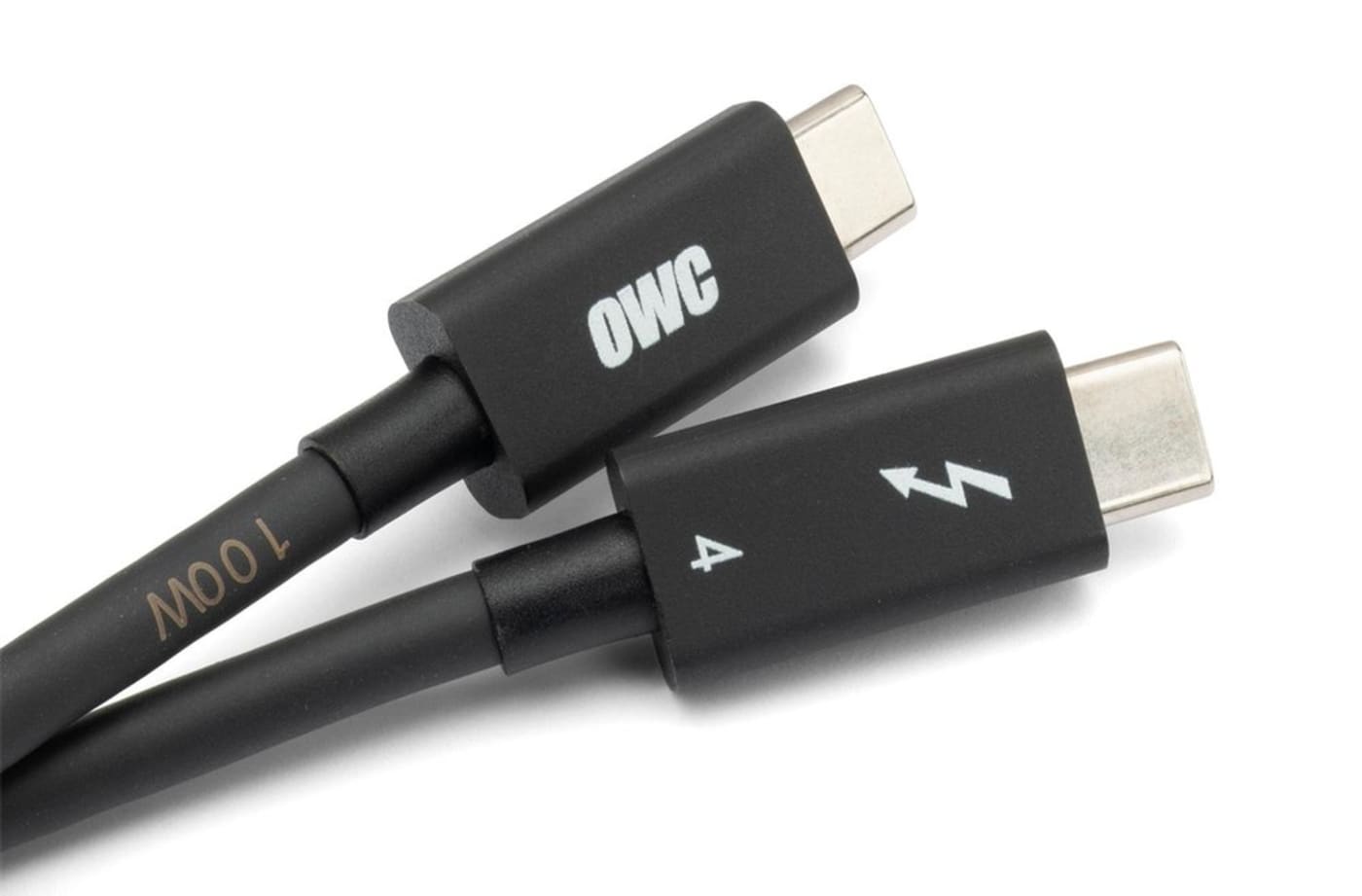
OWC ThunderBay 4 comes with a certified 0.7M OWC Thunderbolt (USB-C) Cable. But if your workflow demands a different length to make the connection, OWC Thunderbolt (USB-C) Cables are the perfect choice.
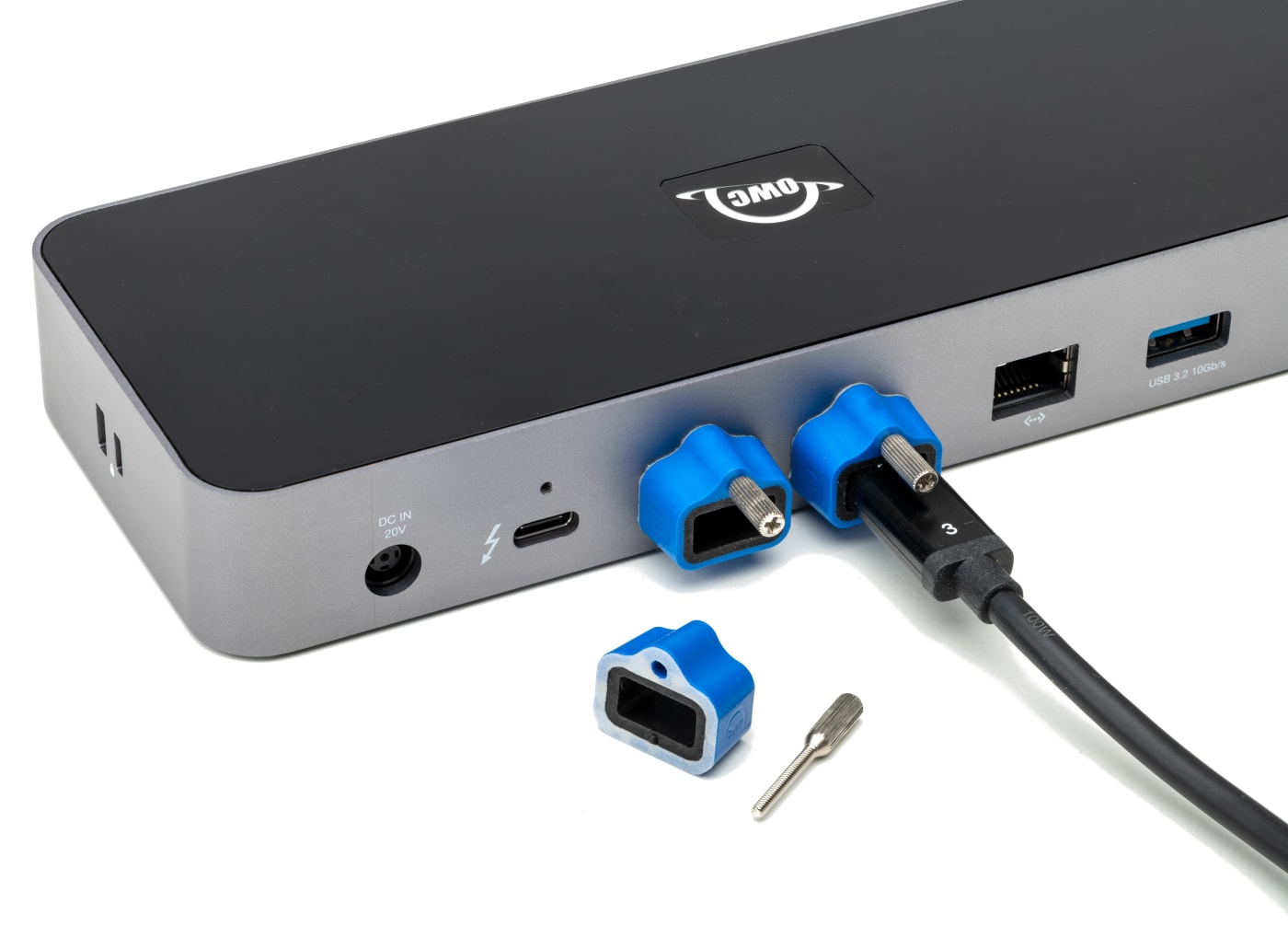
Work with Ultimate Confidence
Active workspaces expose gear to unexpected bumps and shoves. OWC ClingOn custom cable stabilizers (available separately) screw into the OWC Dock or OWC Drive housing to reduce – if not completely eliminate – cable strain on Thunderbolt and USB-C connections so you can work with ultimate confidence even in the highest foot traffic environments.
OWC ThunderBay Family
Meet the members of the OWC ThunderBay Family. Which one is just right for you?
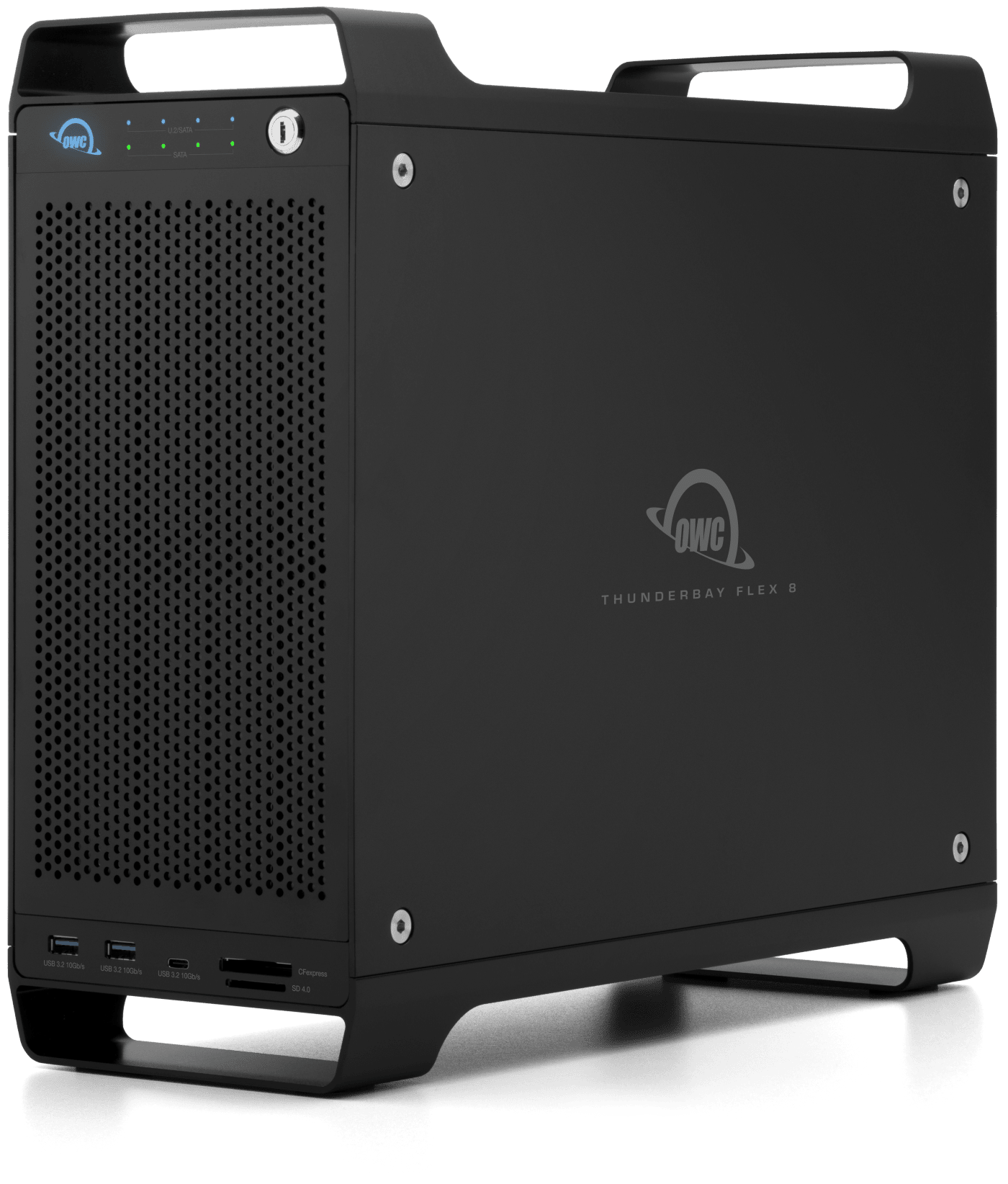
The industry's first Thunderbolt 3 storage, docking, and PCIe expansion media workflow solution. Perfect for digital imaging, VFX, and video editing.
- Dual Thunderbolt (40Gb/s) ports
- Up to 2750MB/s
- Up to 8 x 2.5" or 3.5" Drives
- Options with SoftRAID and Hardware RAID
- RAID 0/1/4/5/1+0 (10) or JBOD
- 8 ports of connectivity
- 85W Power Delivery
- Display support up to 8K
- Includes Thunderbolt cable
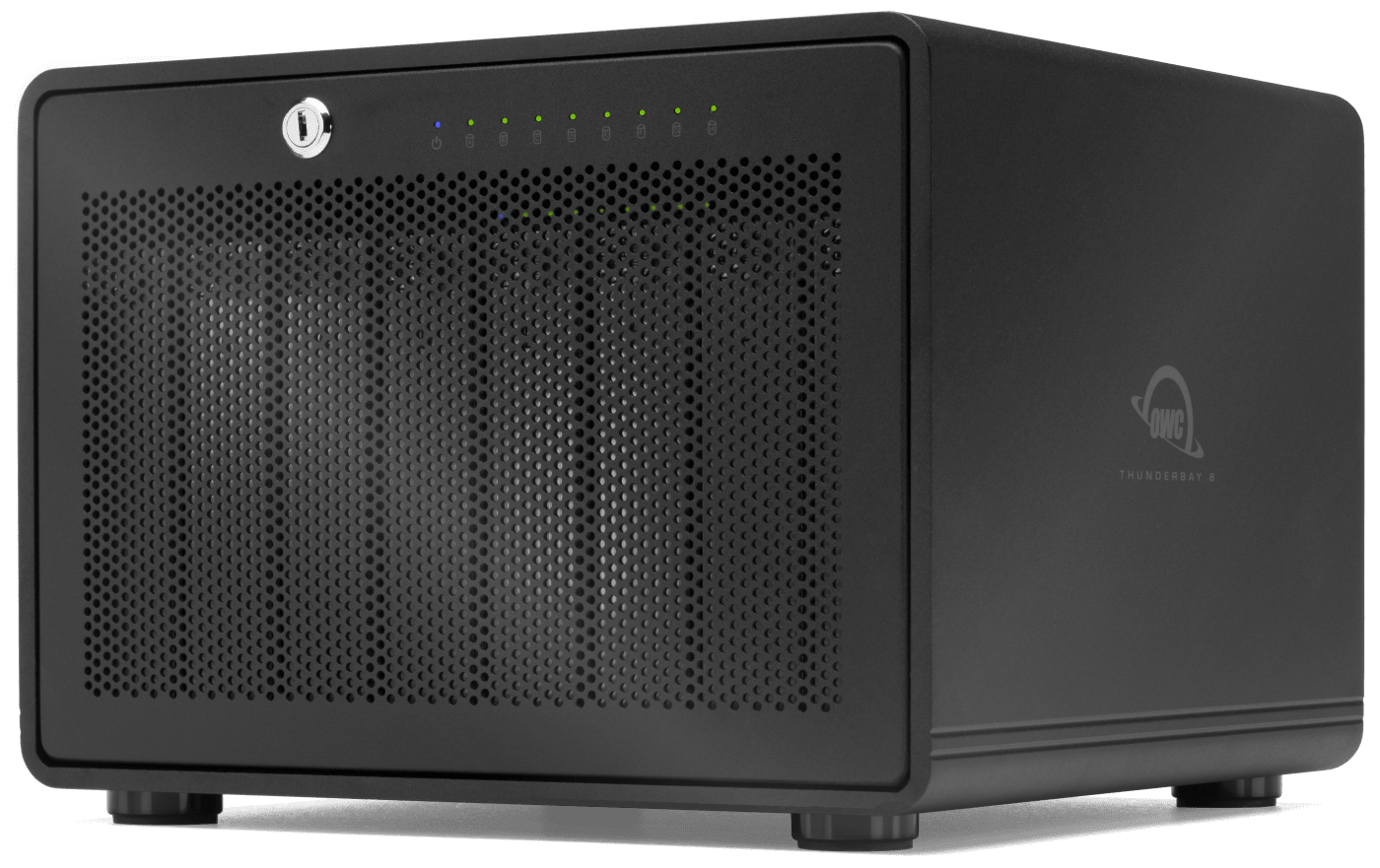
Like a high-performance personal data center with pro-grade transfer speeds up to 2,586MB/s. Multiple configuration options available to suit ever-expanding storage needs.
- Dual Thunderbolt (40Gb/s) ports
- Up to 2586MB/s
- Up to 8 x 2.5" or 3.5" Drives
- Options with SoftRAID
- RAID 0/1/4/5/1+0 (10) or JBOD
- Includes Thunderbolt cable
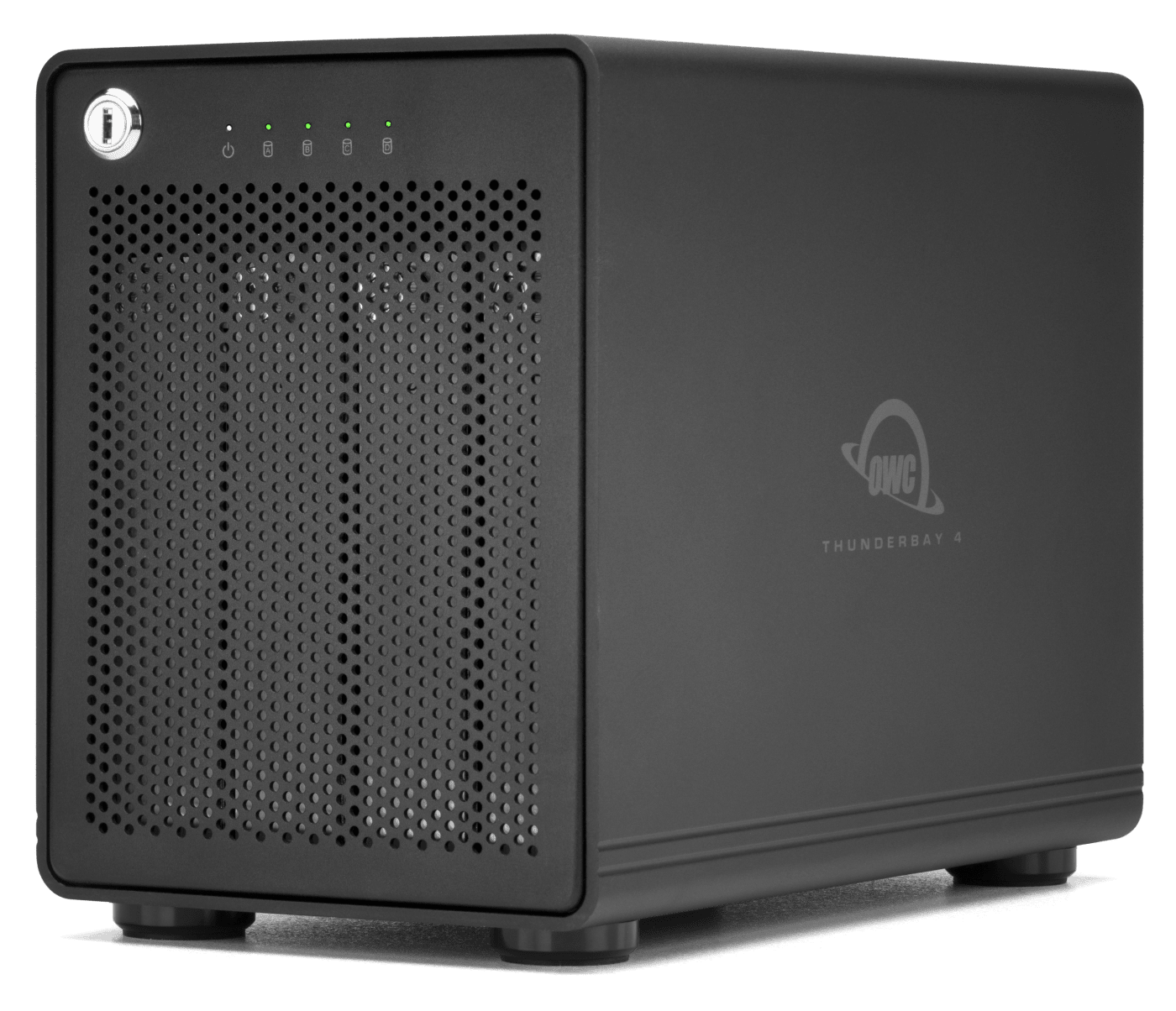
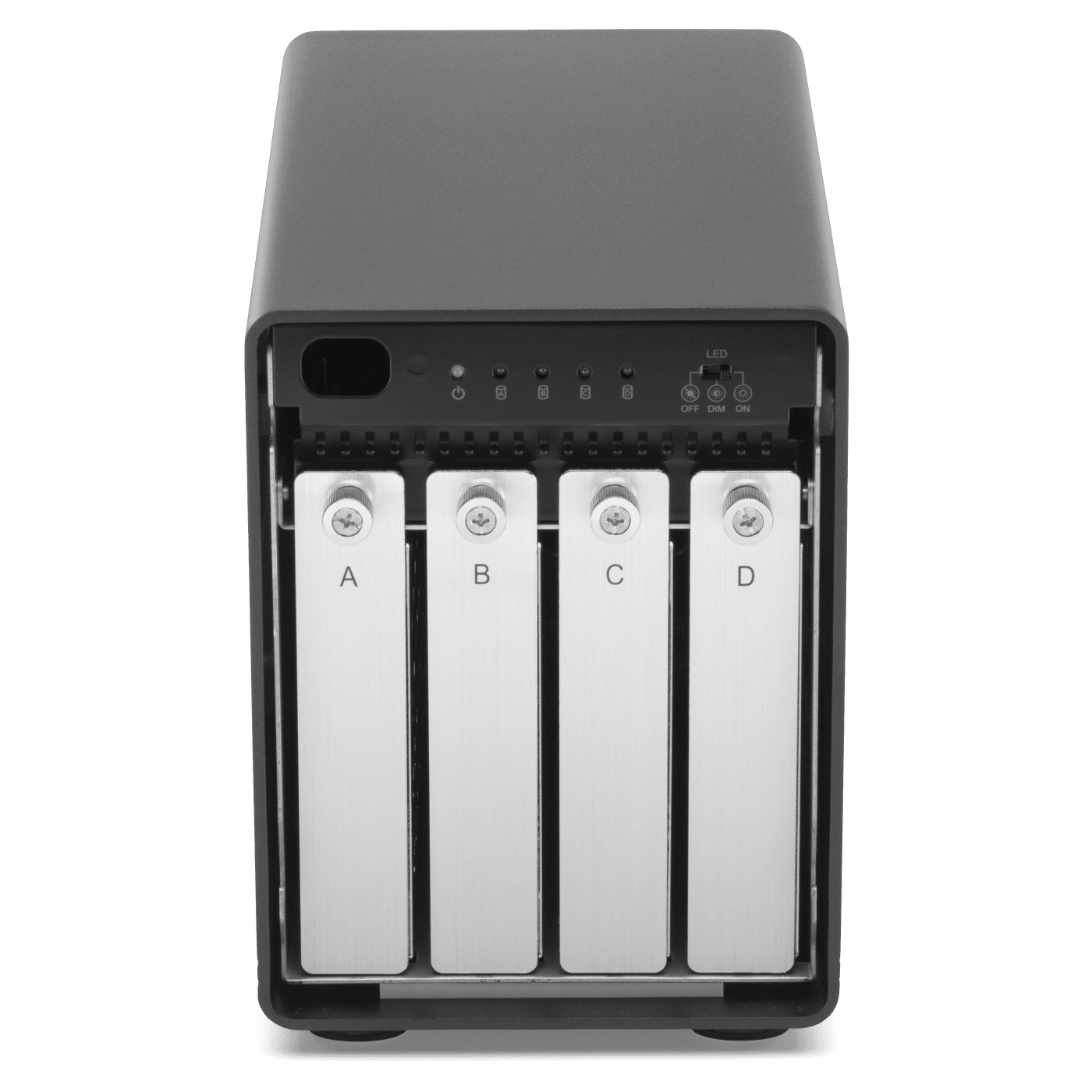
Our most popular RAID storage solution! Four universal 2.5-inch or 3.5-inch drive bays for deliver speeds up to 1527MB/s for everyday storage/backup all the way to running multi-stream compressed 4K video.
- Dual Thunderbolt (40Gb/s) ports
- Up to 1527MB/s
- Up to 4 x 2.5" or 3.5" Drives
- Options with SoftRAID
- RAID 0/1/4/5/1+0 (10) or JBOD
- Display support up to 4K
- Includes Thunderbolt cable
- RAID 1+0 (10) coming soon to Windows.
- Up to 770MB/s real world peak performance in AJA System 4K Test with 4 x 20TB HDDs in RAID 5 connected to either a MacBook Pro (16-inch, 2019, MacBookPro16,1) with 2.4GHz processor and 64GB RAM or a MacBook Pro (16-inch, 2021, MacBookPro18,1) with Apple M1 Pro processor and 16GB RAM.
- Over 1000MB/s read/write real world peak performance in AJA System 4K Test and Blackmagic Disk Speed Test with 4 x 20TB HDDs in RAID 0 connected to a MacBook Pro (16-inch, 2019, MacBookPro16,1) with 2.4GHz processor and 64GB RAM.
- Up to 1527MB/s sequential read/write real world performance in AJA System Test (4K-Full resolution, 64GB file size, 10bit RGB codec, single file test) with 4 x 4.0TB OWC Mercury Extreme Pro 6G SSDs in RAID 0 connected to iMac Pro Late 2017 (iMacPro1,1) with 32GB RAM and 3.2GHz processor.
- Thunderbolt 2/Thunderbolt compatibility requires a certified Thunderbolt 3 (USB-C) to Thunderbolt 2 (mDP) adapter and a Thunderbolt 2 cable (available separately). This configuration provides data transfer at up to 20Gb/s but does not support notebook charging.
- Windows systems require downloading the latest free version of SoftRAID.